Take Your
Time Back
The easiest way to keep your messaging apps active and your computer awake. One app. Zero hassle. Total freedom.
 One-time purchase. No subscription.
Everything you need to
stay active


Stay Active
Keep your Slack, Teams, and Discord status green while you're away from your desk. No more "away" notifications.
Prevent Sleep
Stop your desktop or laptop from locking or going to sleep. Perfect for long downloads, renders, or remote work.
Smart Controls
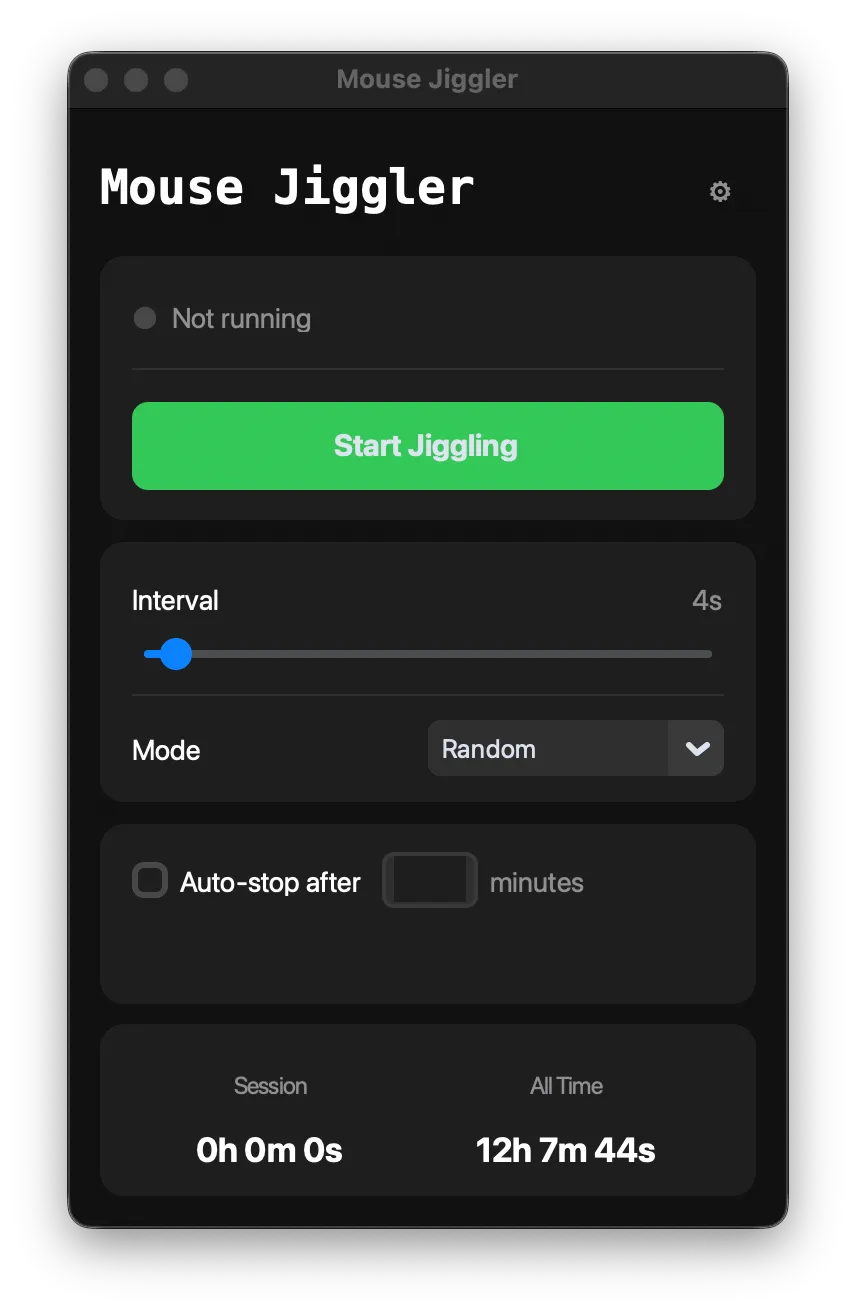
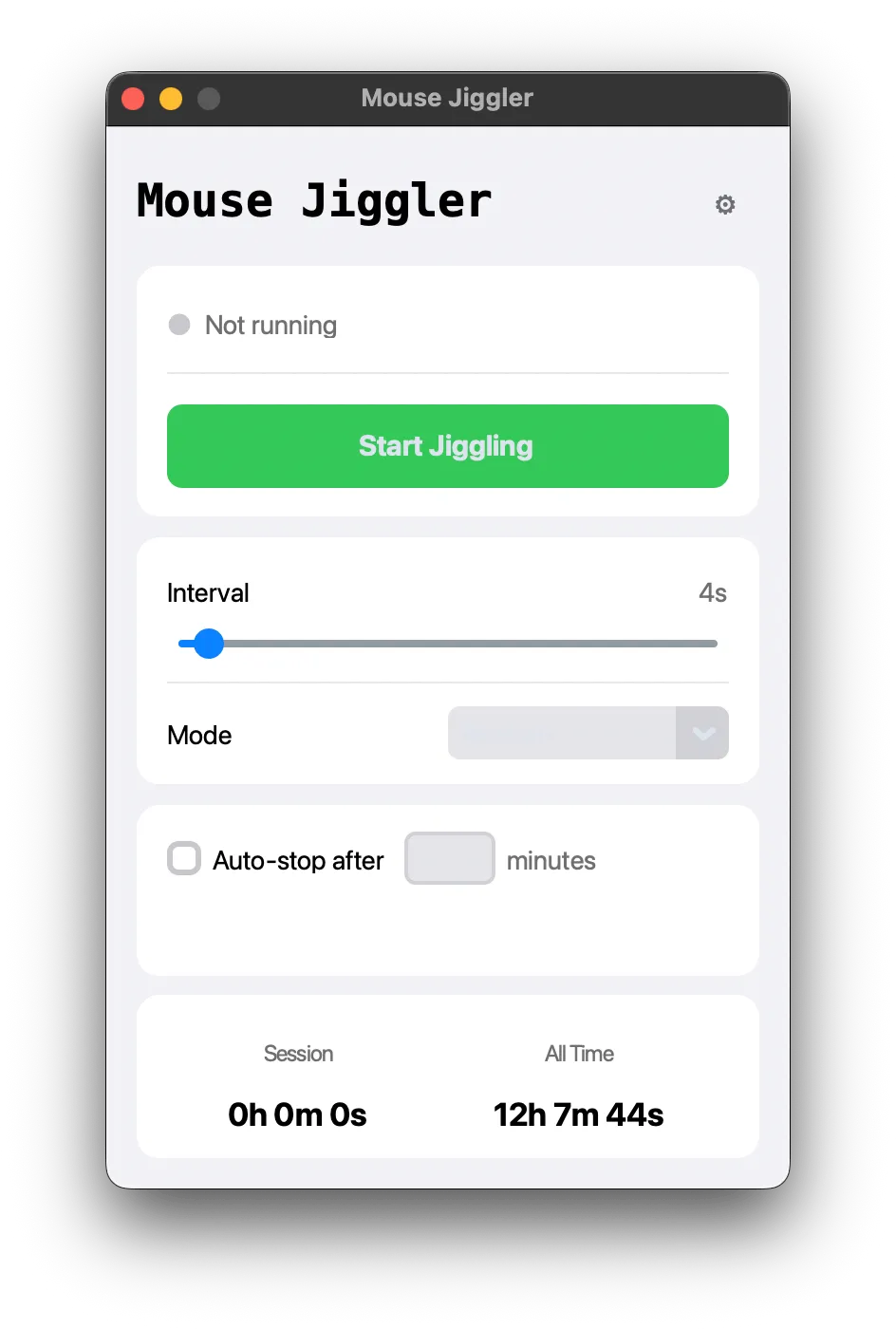
Custom intervals, multiple movement modes, auto-stop timer, and session tracking. Full control, zero complexity.
Get started in 30 seconds
Download
Get the app instantly. No installer, no admin rights, no setup wizard.
Configure
Pick your movement mode, set the interval, and enable auto-stop if needed.
Relax
Hit start and go live your life. Your computer stays awake and active.
Hours in front of your computer does not equal productivity.
Finish your work for the day and go spend your time getting exercise, learning a new skill, taking care of your mental health, or just relaxing. Mouse Jiggler gives you the freedom to step away without the status anxiety.

Loved by thousands
"Love this app, I can usually finish my work in about 3-4 hours, I run the app and am free to do the things I want to do with my time, like more yoga and spending time with my cats!"
"My day goes like this: daily stand up, organize and tend to current projects, kick off new projects, take lunch, run this app the rest of the day. It's a must have for people that work from home."
"My manager is always micromanaging my time. If he sees my Slack go inactive for too long, I always get a message. Having this app, I knock out my client calls in the morning, click start, hit the gym and manage notifications from my phone."
Got questions?
Mouse Jiggler runs on Mac (M1/M2/M3 and Intel). No installation required — it runs directly from the downloaded file.
No subscriptions, one time cost for life with unlimited free updates as new features are added.
Mouse Jiggler runs as a local app on your computer from a folder that does not even need to be installed and can be hidden in any directory. Combine this with an inconspicuous icon and the tiny minimizable app window for the highest level of discretion.
Random (moves to a random position on screen), Micro Jiggle (a tiny imperceptible nudge that won't interrupt your work), and Figure-8 (traces a smooth pattern around the center of your screen).
Yes. Mouse Jiggler includes an auto-stop timer. Enable it, enter the number of minutes, and it will automatically stop jiggling when the timer runs out.
Take Your Time Back
Join 50,000+ professionals who reclaimed their day.
